Every page, ready to edit.
This is the HUGways demo: 62 blocks, 5 themes and an editor that never gets in your way. Look around — the pages, text, pictures and blocks you see are yours to change in the editor.
Explore the showcaseHow it works
Every page is a stack of blocks
This very page is a hero, a ticker, some numbers, a few cards and a closing call to action. Every word, picture and button inside them is a field you can change, and the editor shows exactly the fields each block needs. That is the whole idea.
- Add, remove and reorder blocks
- Change any word, picture or link
- Pick a style per block — no code

Take the tour
-
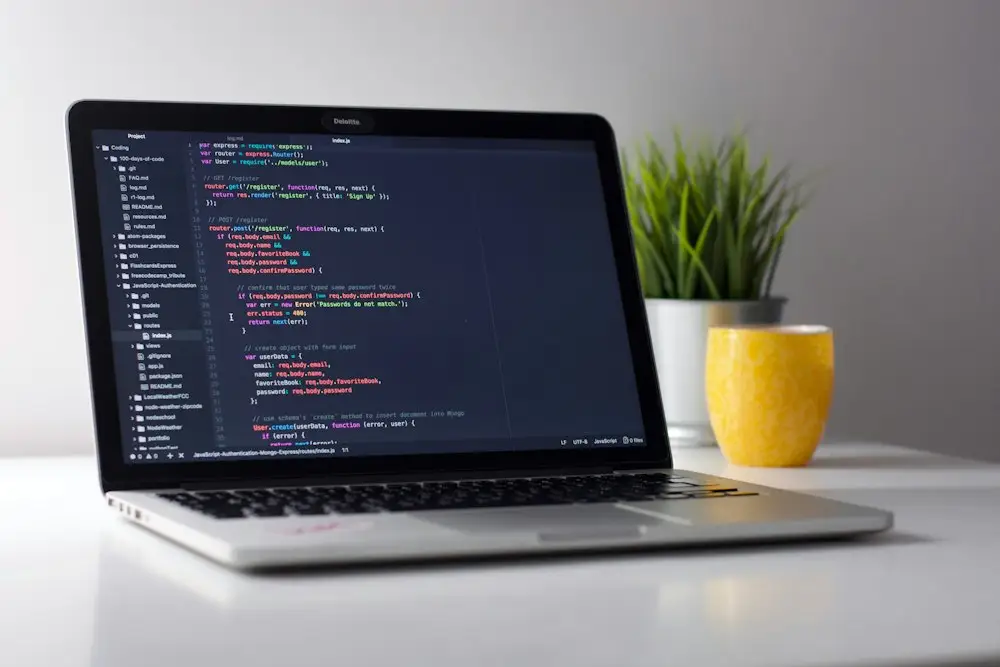
The showcase
Every customisable block from the sites we have built — one chapter at a time, each one live and editable.
Open the showcase -
Five real sites
A restaurant, a consultancy, a design studio, a retreat and a SaaS — each built from the same blocks, each wearing its own theme.
Visit the examples -

Themes
Change colour, type and mood site-wide with a single setting. Try all five without leaving the page.
Try the themes -

Effects
Spotlights, 3D tilt, confetti, parallax — added to any block without changing the block itself.
See the effects -
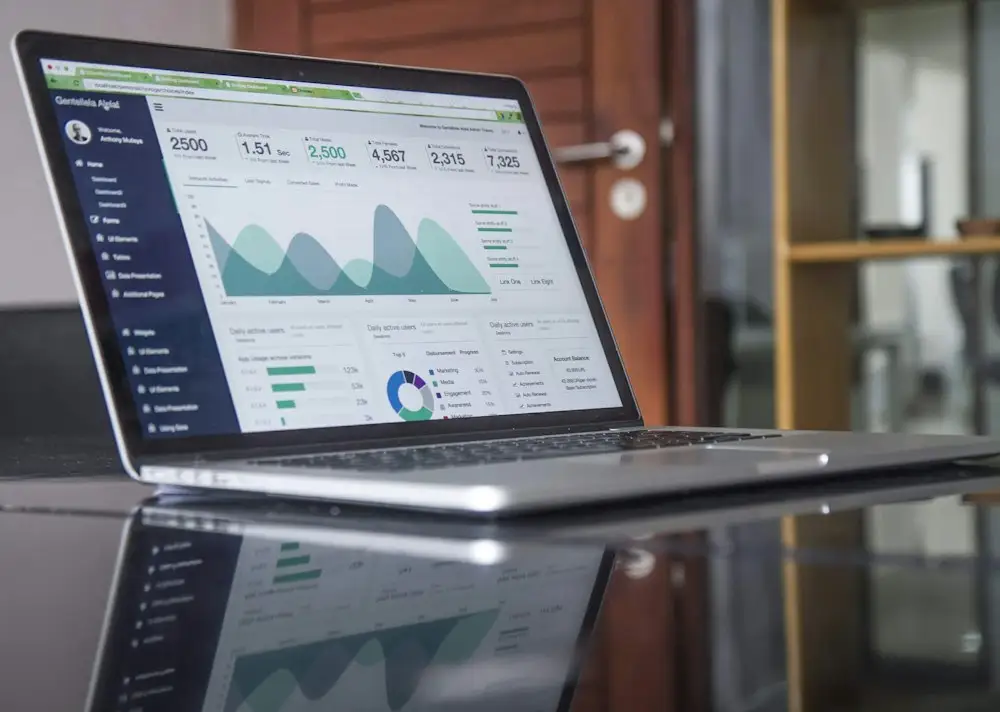
How editing works
How HUGways shows you only the fields you need, keeps the design safe and saves your changes.
See how it works -
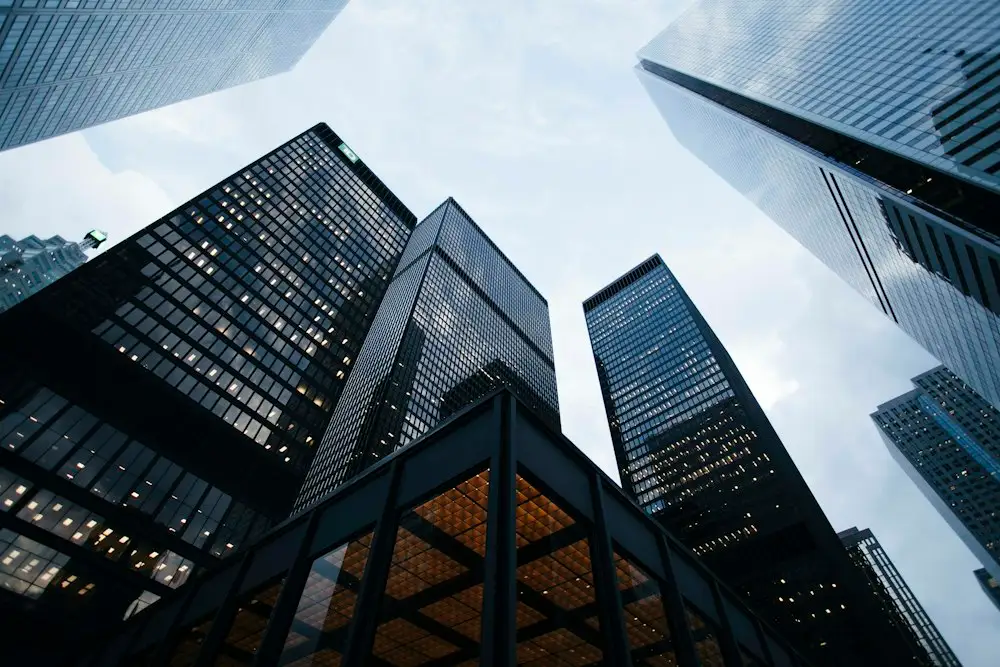
Under the hood
Fast responsive images, search-friendly pages, an installable app and one-click publishing.
Look under the hood


From idea to live in three steps
No rebuild of the editor, no new admin screens, no waiting on a developer for a headline change.
-
Start from the base
Choose a theme and a few pages, and you already have a site that is fast, tested and ready to publish.
-
Shape it in the CMS
HUGways reads each block and shows exactly the fields it needs. Edit, preview, save.
-
Publish in one step
One click builds the site and puts it live. Testing, staging and production all work the same way.
Sometimes a developer adds an extra touch of love for fine-tuning — the finishing details that make a site feel like yours.
What editors say (sample quotes — yours go here)
-
“I changed the headline, swapped the photo and published before my coffee had cooled. I did not open a single file.”
-
“Every block has a few clear choices and nothing else. It is very hard to break the design, which is exactly why I trust it.”
-
“We re-themed the whole site for a campaign on Friday afternoon. It was one dropdown.”
-
“Developers get the code, clients get the content, and neither can step on the other. That is rarer than it should be.”
Ready to build yours?
Everything on this site started from the same base you can start from. Take a look at how, then make it your own.